Inventory, collections & equipment
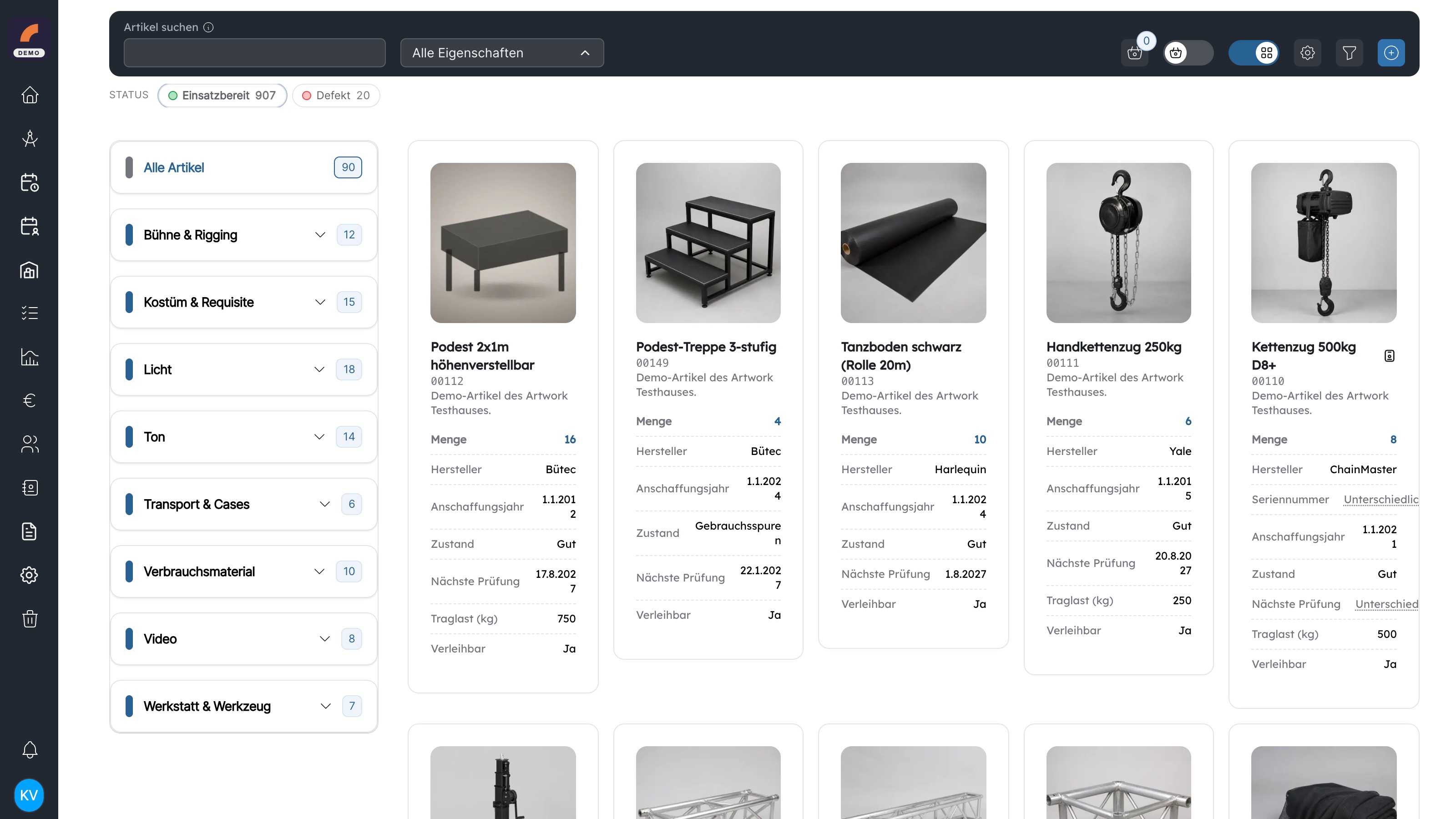
Stock, availability, location and condition remain visible throughout the equipment process.
In short
- Stock and individual assets with custom properties
- Time-based scheduling with overbooking warnings
- Equipment issues, returns and external loans
- Kits, baskets, status and a complete change log
Typical key users
Technical managementWarehouse & logisticsProductionWorkshops
Explore practical workflows
- 01
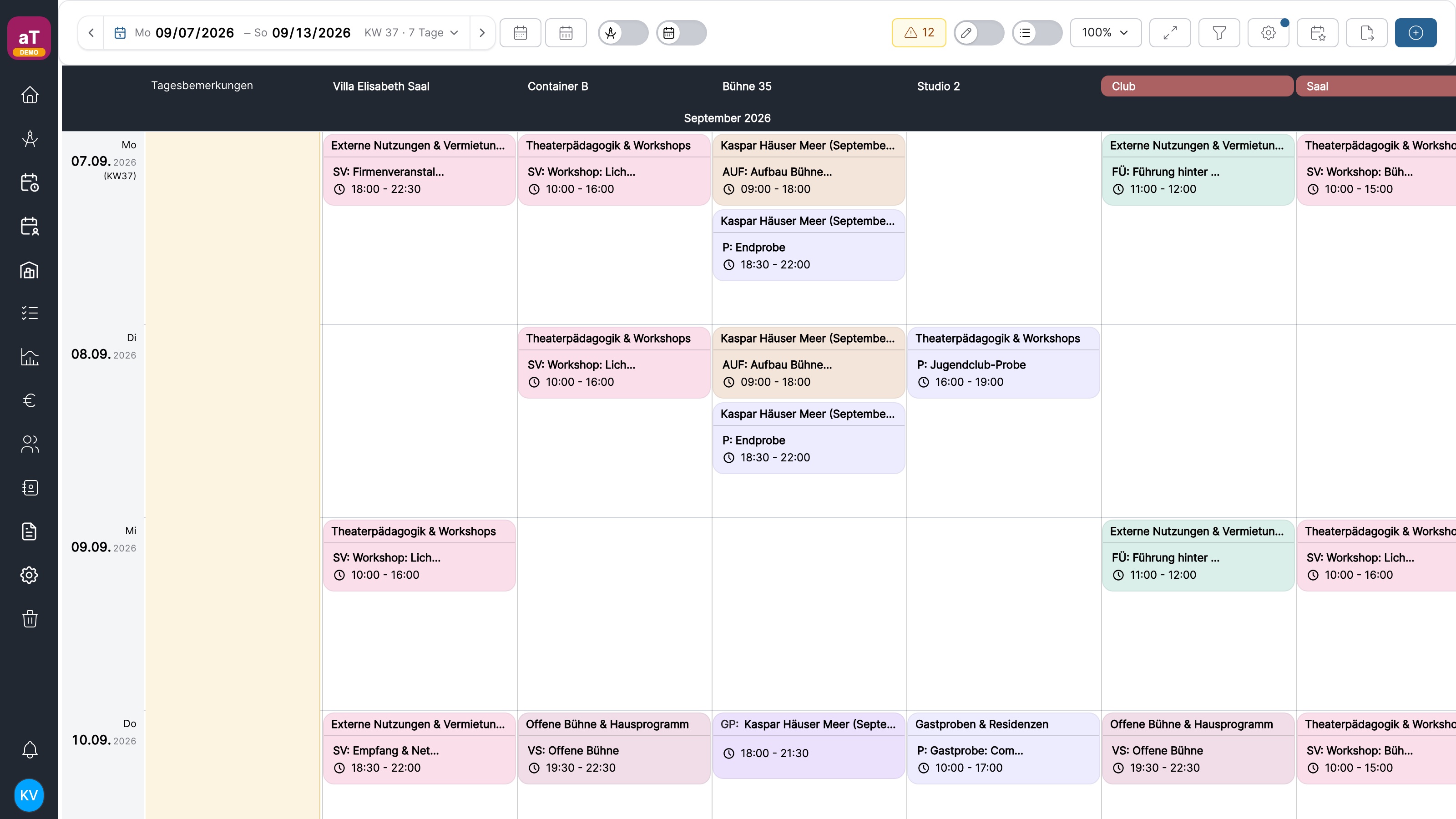
Schedule equipment for a production
Select a period and see the available quantity for every item. Reservations from other projects are included immediately, while negative stock flags a conflict.
- 02
Prepare an equipment issue
Collect items and kits in a basket, assign them to a project or person and create an issue. Record quantities, condition and deviations when equipment returns.
- 03
Track individual assets
Serial number, location, status, images and custom properties stay with the individual object. Its log records what changed, when and by whom.
- 04
Handle external loans
Equipment leaving the organisation remains in the same process. Loan note, period, recipient and return stay connected to the inventory.